Essential for Grad School & Study Abroad: How to Use a VPN to Access Academic Databases, No More Being Blocked by the Great Firewall
2026-07-16 · shanlian
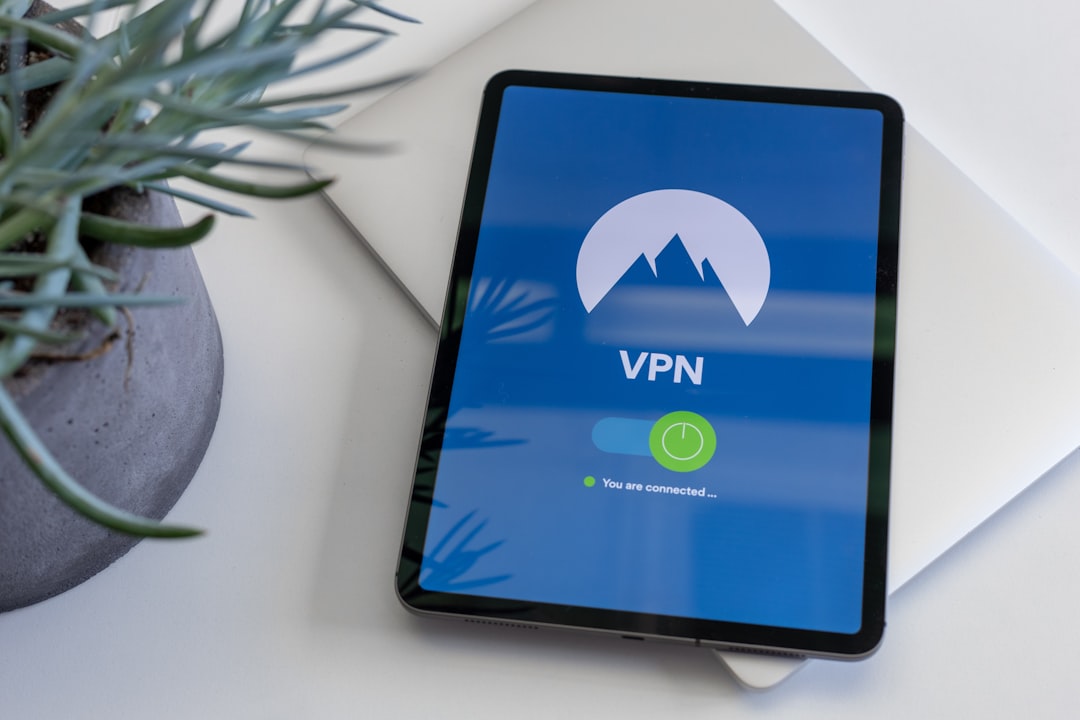
Friends preparing for graduate school or studying abroad, have you ever encountered this situation: opening Google Scholar, the page just spins; trying to download a paper from Nature, the link simply won't open; finally finding a piece of literature, only for the download to cut out halfway. Don't worry, this isn't really a network issue; it's you being blocked by the Great Firewall in China.
Today, I'm going to talk about why students applying for grad school or studying abroad absolutely need a VPN to access academic databases, and how to choose a reliable tool. Rest assured, this isn't an ad, just pure干货 sharing.
Why Are Academic Databases So Hard to Access?
Let me start with my own experience. Last year, while preparing for my graduate school re-examination, I spent three days organizing literature. I found that the full-text download links for many top journals like Science and Nature simply wouldn't open in China. Although the school library had purchased access to the databases, accessing them off-campus was often a hassle, and sometimes it wouldn't connect at all.
Later, I asked a senior student and learned it wasn't the school's fault. Many academic database servers are located overseas, like Web of Science, PubMed, and IEEE Xplore, and they have various restrictions on access from China. Google Scholar, in particular, is a nightmare for grad school applicants – you rely on it for finding literature, checking citations, and discovering related papers. But it's just unstable and keeps disconnecting.
Not to mention those papers that require payment. Some databases only allow downloads from specific IP ranges. If you can't even connect, downloading is out of the question. At times like this, a stable VPN becomes a lifesaver.
What Problems Can Using a VPN to Access Academic Databases Actually Solve?
Simply put, a VPN can disguise your network as an overseas IP address. This makes the academic database think you are a user from abroad, granting you the necessary permissions and letting you through. Specifically, it can do these things:
- Access blocked websites: For example, Google Scholar, Clarivate, and ProQuest – these sites are often inaccessible in China, but a VPN can fix it in seconds.
- Download full-text PDFs: Many databases require you to log in from an overseas IP to download. A VPN helps you bypass this restriction.
- Speed up access: Some academic websites might be accessible but are painfully slow. Connecting to an overseas node via VPN can make them several times faster.
- Protect privacy: When researching using public WiFi in the school library or a café, a VPN encrypts your data, preventing it from being spied on.
I tried several VPNs and finally chose LightningX VPN. Why? Because it's stable. I used a free VPN before, and while it could open Google Scholar, the download would constantly cut out, making me want to smash my computer. After switching to LightningX, the download speed barely drops. A 5MB PDF is done in seconds. Plus, it has over 2000 server nodes covering more than 50 countries, making connections to academic databases in North America and Europe exceptionally fast.
For Grad School & Study Abroad, You Must Know How to Access These Databases
Since you're diving into academia, you definitely can't avoid these core databases. I've made a list for your reference:
- Google Scholar: Essential for finding literature, checking citations, and seeing the latest research.
- Web of Science: Indispensable for writing literature reviews and checking impact factors.
- PubMed: A treasure trove for students in medicine and biology.
- IEEE Xplore: For computer science and electronic engineering, papers and conference proceedings are here.
- JSTOR: A hub for classic humanities and social science literature.
- ScienceDirect: Journals under Elsevier, covering all disciplines.
Accessing these databases with LightningX VPN is almost instant. When I was preparing for my grad school exams, I'd hang out on the VPN every night, opening Google Scholar, looking up literature, and taking notes – my efficiency doubled.
How to Choose a Reliable Academic VPN?
There are countless VPNs on the market, but choosing the wrong one can really hold you back. I've stepped into many pitfalls and summarized a few key points:
First, look at the number and distribution of servers. Academic databases are mainly in the US, Europe, and Japan, so you need plenty of nodes in these regions. LightningX VPN has over 2000 nodes globally, and its North American nodes are the fastest.
Second, check stability. Don't buy a cheap one that lags during peak hours. I tested LightningX during evening peak times, and the download speed stayed above 30Mbps, which is 10 times faster than some free VPNs.
Third, consider security. Your academic work is your hard effort; don't let third parties snoop on it. LightningX uses bank-grade encryption and supports a no-logs policy, so privacy is well-protected.
Fourth, look at the price. Don't use a free VPN just to save money. They either throttle your speed or sell your data. LightningX's monthly price is about the cost of a cup of milk tea, offering great value.
Finally, remember that grad school and studying abroad are long-term battles. Don't let network issues hold you back. Whether it's finding literature, writing papers, or applying to schools, a reliable VPN can save you a ton of time. If you haven't tried LightningX VPN yet, give it a download – there's a free trial, so you can renew if you like it. Hope you all succeed in your applications. Good luck!
享受无限、高速和安全的浏览!立即保护您的隐私!
Get LightningX VPN