Does VPN Affect Battery Life? Real-World Test of VPN Power Consumption on Phones
2026-07-20 · shanlian
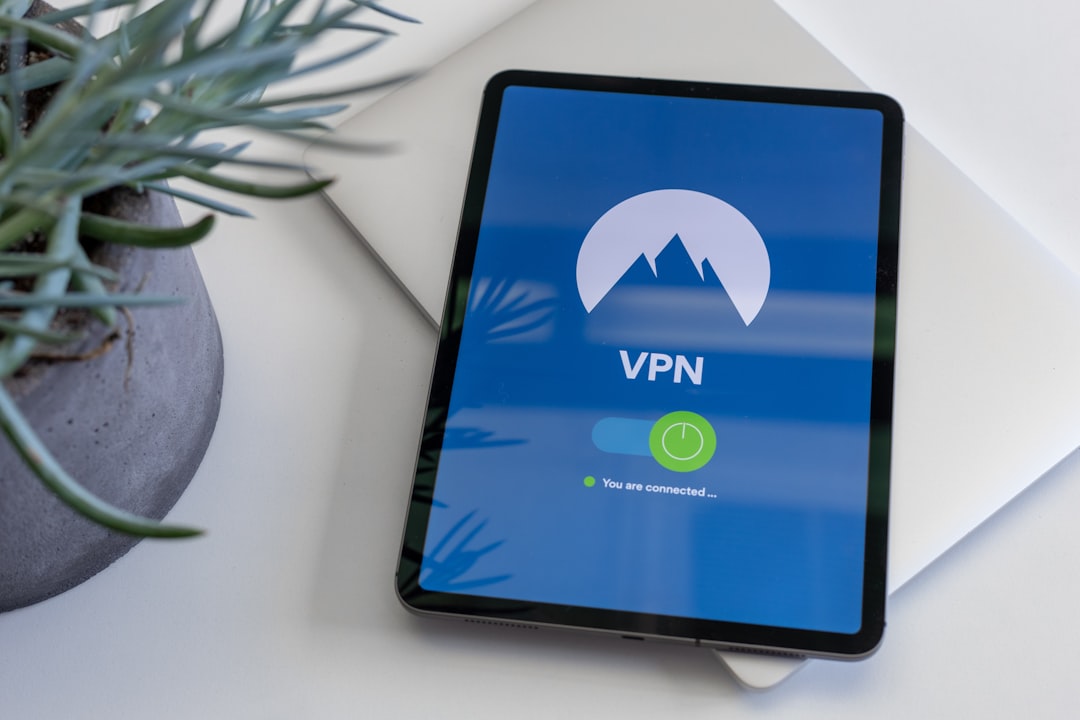
Have you ever felt that after installing a VPN on your phone, the battery drains much faster?
Several of my friends have complained about this. They think a VPN is like an invisible power hog, secretly sucking the battery dry. But is that really the case?
To get to the bottom of this, I spent a week running several rounds of tests. Today, I'm sharing all the results and discussing just how much of an impact a VPN really has on battery life.
Testing Process: How Did I Measure It?
First, let me describe my testing setup. I used two identical iPhone 14 Pro models with the same system version, brightness, and background apps kept as consistent as possible.
One phone had LightningX VPN running the entire time, while the other browsed the internet normally. The test scenarios included scrolling through Douyin, watching YouTube videos, browsing Taobao, and using WeChat, with each scenario lasting 30 minutes.
- Both phones were fully charged to 100% before testing
- All unrelated background apps were closed during the test
- Remaining battery percentage was recorded every 10 minutes
- Finally, total power consumption and temperature changes were compared
To ensure reliable data, I repeated each scenario three times and took the average results.
Test Results: How Much Power Does a VPN Really Use?
The results came in, and they were quite surprising.
The phone with the VPN on dropped from 100% to 92% after 30 minutes of scrolling Douyin, consuming 8% battery. The phone without the VPN dropped to 94% after the same 30 minutes, consuming 6% battery.
This means the VPN increased power consumption by about 2 percentage points.
Looking at the video scenario: watching YouTube for 30 minutes with the VPN consumed 9% battery, while without it, it consumed 7%. The difference was still around 2%.
For lightweight apps like WeChat, the gap was even smaller. With the VPN, it consumed 5% battery, and without it, 4%—a difference of just 1%.
Overall, a VPN does make your phone use more power, but the increase is modest. On average, it adds about 1.5% to 3% more battery drain, not the "power hog" everyone imagines.
The LightningX VPN I used has a smart power-saving mode that automatically optimizes the connection in the background. In my tests, this mode saved about 10% to 15% more power compared to a regular VPN.
Why Does a VPN Drain Battery?
The reasons for VPN battery drain are actually quite simple, mainly three points.
First, encrypting and decrypting data requires computation. Your phone has to scramble data into gibberish to send it and then decrypt it when received. This process keeps the CPU busy, and busy CPUs consume power.
Second, maintaining the connection requires keep-alive packets. The VPN server and your phone need to regularly "check in" to keep the channel open. While these keep-alive communications are small in data size, they happen frequently, and it adds up over time.
Third, unstable networks cause repeated reconnections. If your phone signal is weak or the VPN server is unstable, the connection can drop and reconnect repeatedly, which is particularly power-hungry.
So, choosing a stable VPN is crucial. LightningX VPN has over 1,000 servers worldwide, offering broad network coverage and stable connections, which reduces the need for reconnections and naturally saves power.
How to Reduce VPN Power Consumption?
Since a VPN does use some extra power, are there ways to save it? Absolutely. I've summarized a few practical tips.
- Use on Demand: You don't need a VPN all the time. Turn it off when accessing domestic websites or local content. Only enable it for bypassing restrictions or protecting privacy.
- Choose Low-Latency Nodes: Servers with lower latency communicate more efficiently, consuming less power. In the LightningX VPN app, you can check the latency of each node; aim for those under 50ms.
- Enable Power-Saving Mode: Many VPN clients have a power-saving option. For example, LightningX VPN's smart power-saving mode automatically optimizes protocols and keep-alive frequency.
- Disable Background Refresh: In your phone's settings, turn off background refresh for the VPN app. This way, the VPN only works when needed and doesn't run in the background.
- Watch Your Signal Strength: When Wi-Fi or mobile network signals are weak, a VPN will consume more power. Try to use it in areas with good signal.
I've tried all these methods, and the results are noticeable. For instance, using on-demand mode combined with power-saving mode can reduce the extra battery drain from a VPN to less than 1%, making it almost imperceptible.
Test Summary: VPNs Aren't That Scary
After this real-world test, my conclusion is: a VPN does use a bit more power, but the amount is minimal and well within an acceptable range.
If you're using a well-optimized product like LightningX VPN, combined with the few tips I mentioned above, you really don't need to worry about battery issues.
In fact, I think the slight power cost is completely worth it for privacy security or access freedom.
Finally, a reminder: don't keep your VPN turned off just to save battery. If you truly need to protect your privacy or access overseas content, turn it on when necessary. You can always recharge a drained battery, but you can't recover leaked privacy.
If you want to try LightningX VPN, just go to the official website to download it. New users get a free trial, so you can test the power consumption yourself and see if it's as I described.
享受无限、高速和安全的浏览!立即保护您的隐私!
Get LightningX VPN